

Property management integrations: Keep your system. Add the missing layer.
TowerLine AI works alongside the property management or accounting system you already run, which stays the system of record. Data moves by API where your plan allows it, or by scheduled export or CSV. We map what comes in, what goes back and how often, for each account, before the first community switches on.
How we label every integration
Every system on this page carries one of these labels, in these exact words. Nothing is labeled Connected yet: a label moves only when the work behind it is done.
A live, tested integration exists.
We have run the API, export or CSV path. It is not a packaged integration.
Depends on your plan, your API access and the vendor.
What runs underneath
A hosted voice AI platform, the same kind The AI Agency USA builds its client voice agents on. It processes each call and keeps the recording and transcript.
Carrier-grade numbers and business texting, registered for each community during implementation.
Holds the record: residents, work orders, calls, notices and the audit trail. Where it is hosted is covered in the security review.
An email delivery provider sends notices, alerts and request confirmations.
Our hosting provider serves the web apps. The security review names it and the hosting region for your deployment.
The security review names the provider behind each of these for your deployment, and what data each one receives.
The roster the AI concierge reads from
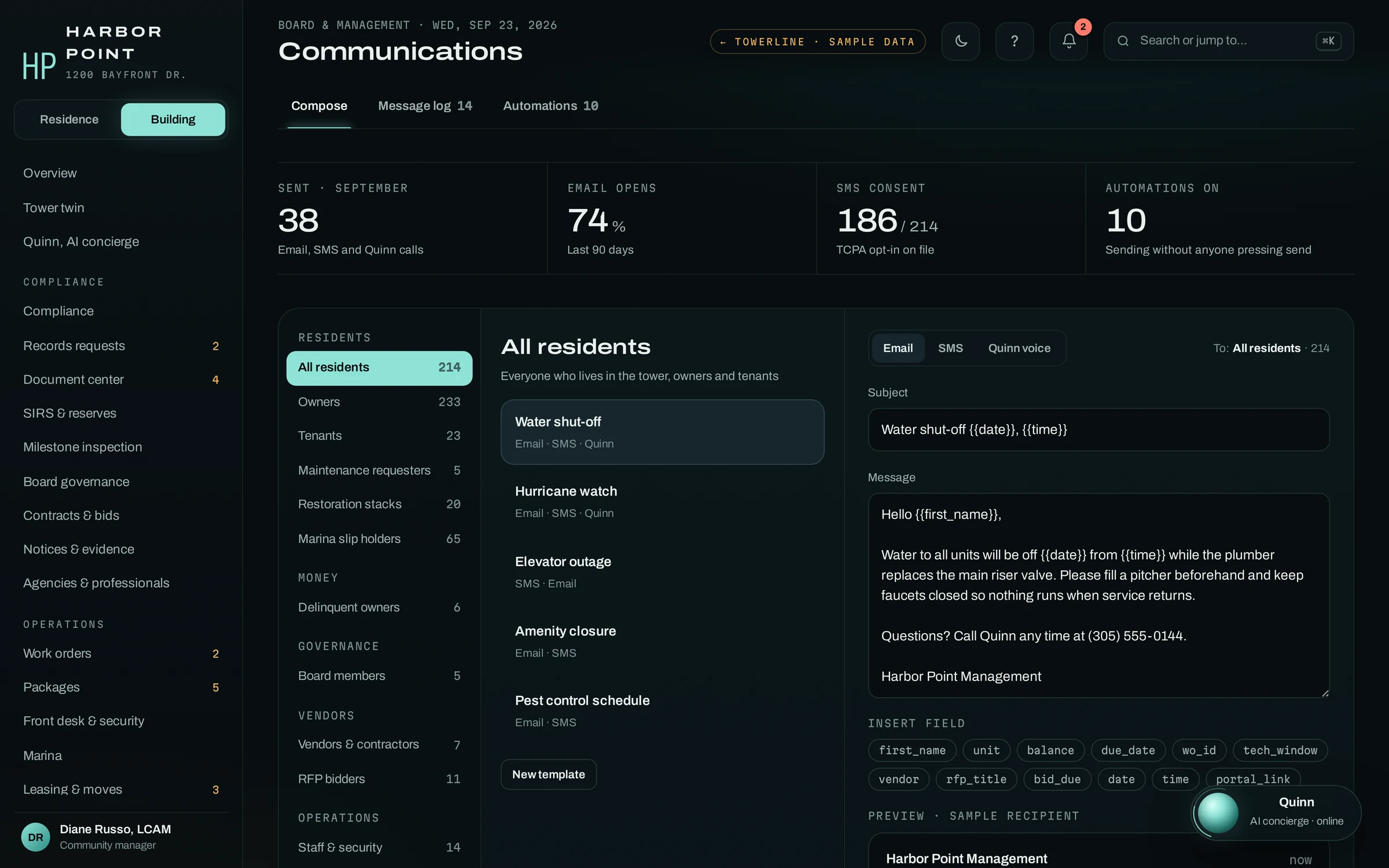
Units, owners, tenants, languages and how each household wants to be reached live on the resident record. On a new deployment that roster comes from your system, so the AI concierge can recognize callers by the number on file and staff never retype a unit list.
- API connectionIf your plan includes API access, records can sync on a schedule or as they change, on the terms of your vendor contract
- Scheduled exportYour system sends a saved report nightly or hourly, and TowerLine AI reads it in
- CSV importFor pilots and systems without a usable API, staged for review before any change applies
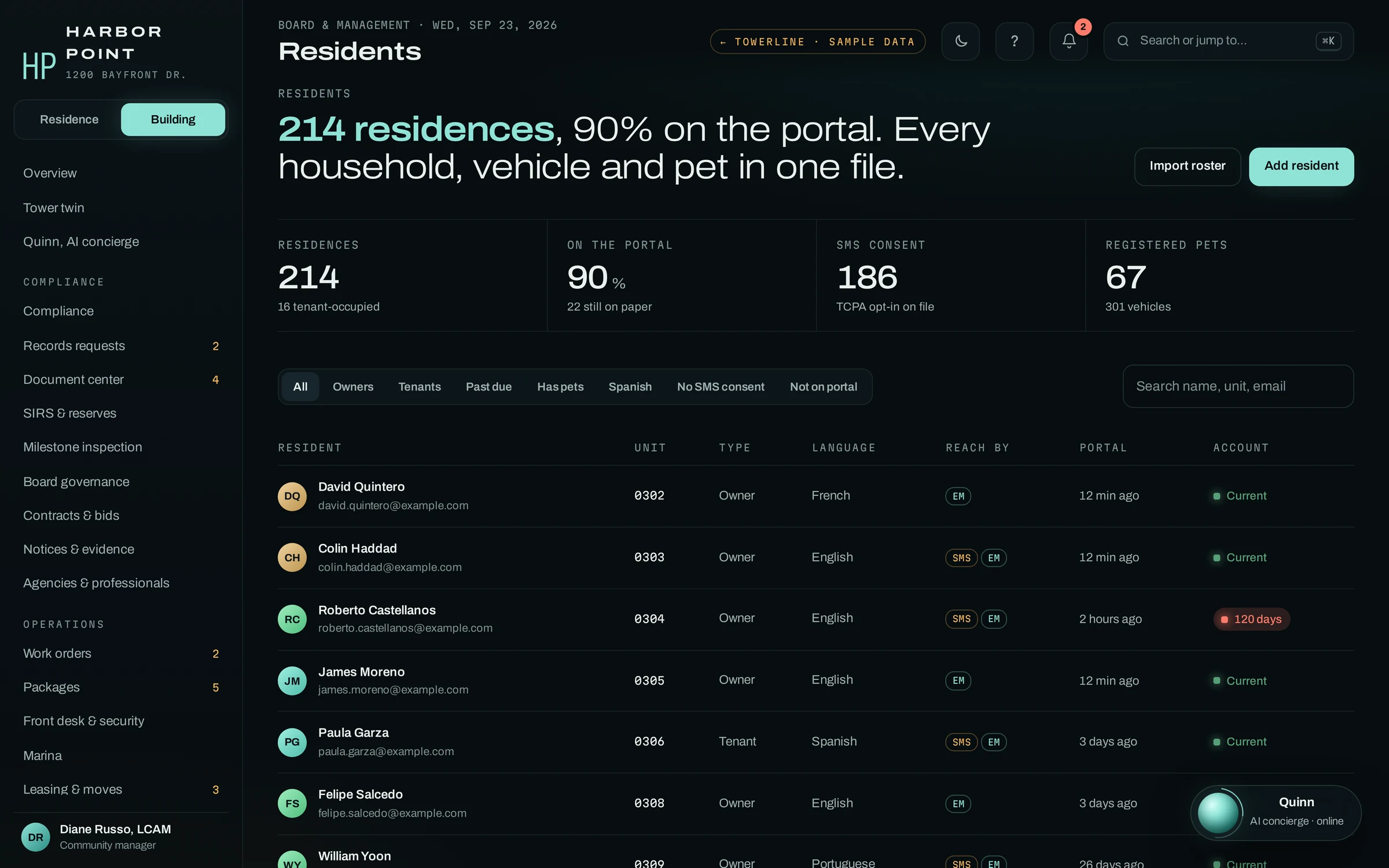
Which property management systems does TowerLine AI work with?
These are systems management companies commonly run, and each one carries the same label today. For each system we check what your account can export or expose, write down what moves and how often, and test it on one pilot community before anything rolls out.
Nothing on this page is a boxed connector. Every TowerLine AI deployment is built around the systems that customer already runs: the plan you are on, the reports your team already saves and the fields that should never leave your system.
Two companies on the same software can end up with different sync maps, because their plans, fields and workflows differ. We write yours with your team and test it on one community first.
| System and status | Typical method | What we confirm in discovery |
|---|---|---|
| AppFolio· Yardi· Buildium· Entrata· RealPageProperty management and accountingScoped during implementation | API where your plan allows · scheduled report export · CSV | API access on your plan; which saved reports export residents, units and balances |
| Vantaca· CINCCommunity association managementScoped during implementation | API where your plan allows · scheduled report export · CSV | API access on your plan; which saved reports export owners, units and assessment status |
| QuickBooks OnlineAssociation ledgerScoped during implementation | API where your plan allows · scheduled report export | Whether balances come from the ledger or from your management system |
| Your payment processorPayment links and settlementScoped during implementation | Set up with your processor | Which processor settles into the association's account, and how a paid link shows up |
| Gate or intercom systemGuest passes at the gate or deskScoped during implementation | API where the vendor allows · desk list | Whether the vendor accepts guest passes by API, or the desk works from a list |
Each system has its own page: AppFolio, Yardi, Buildium, Rent Manager, Entrata and Vantaca. See all integrations by system.
Product names are trademarks of their owners and appear here only as examples of systems management companies commonly run. TowerLine AI is not affiliated with, endorsed by or a certified partner of any of these companies.
- Which system you run, and on which plan
- How often each field needs to refresh
- What should never leave your system
- Who on your side signs off on the sync map
Every field gets a direction and a reason.
Each row names the data, which way it goes, how it travels and why it needs to move at all. A field with no reason to move is left off the map. Direction and frequency are defined during implementation.
What stays in your system, and what TowerLine AI keeps
Stays in your system
- Leases and renewals
- Owner and tenant ledgers
- General ledger and bank reconciliation
- Payables
Your choice
- Violations
- Architectural requests
- Collections
Keep them in your system, or track them in TowerLine AI as records with their own stages, so the AI concierge can tell a verified owner where their case stands.
TowerLine AI keeps
- Calls and transcripts
- Work orders and paging
- Packages and guest passes
- Board projects and approvals
- The audit trail
Your published number can stay the same.
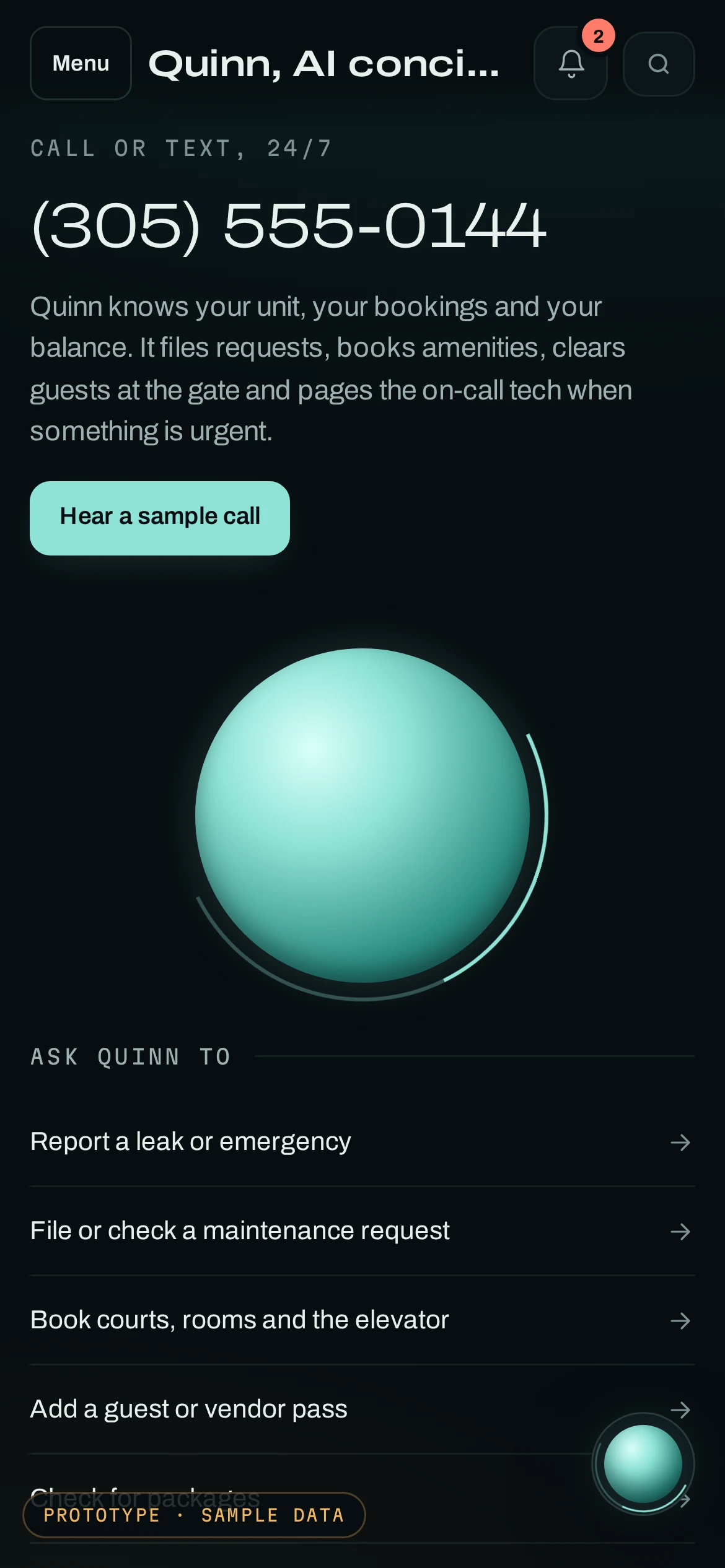
The AI concierge answers on a number we set up with our telephony provider. You forward your existing line to it after hours, on overflow or all day, and residents see the same number in their portal.
- 01Registered texting
- US carriers require A2P 10DLC registration for business texting on local numbers. Registration is part of implementation.
- 02Opt-outs are honored
- A resident who replies STOP is opted out by the telephony provider’s standard handling, and no further texts go to that number.
Frequently asked questions
If your system or plan isn’t covered here, we check it in discovery.
Does TowerLine AI integrate with AppFolio?
AppFolio is Scoped during implementation rather than a packaged integration. TowerLine AI runs alongside it, and how data moves depends on what your AppFolio account offers, such as an API connection on plans that include one, a scheduled report export or a CSV. TowerLine AI is not an AppFolio partner and is not endorsed by AppFolio. The same applies to Yardi, Buildium, Entrata, RealPage, Vantaca and CINC; their rows in the systems table list what we confirm for each.
Does TowerLine AI work with Yardi, Buildium or Entrata?
It runs alongside them. Yardi, Buildium, Entrata, RealPage, Vantaca and CINC are all Scoped during implementation: for each account we check what your plan can export or expose, write down which fields move, in which direction and how often, and test it on one pilot community first. None of them is a packaged integration today, and product names belong to their owners.
What if our system has no API?
Many property management and accounting systems can export residents, units and balances as a saved report, and we check yours before anything is built. A scheduled export or a CSV upload can keep the AI concierge current enough to recognize callers by the number on file and answer balance questions after verification. We agree the refresh schedule with you and write it into the sync map.
Can the AI concierge answer on our existing phone number?
Yes, through call forwarding. Your carrier forwards the published number to the number the AI concierge answers on, and a community can also get its own new local number. When it forwards, and to whom the AI concierge hands off, is written into each community's call flow. The routing example above shows one setup.
How are text messages sent?
Through our telephony and SMS provider, from the community's registered business number (A2P 10DLC). Each text is logged on the resident's record, so staff can see what was sent and when. A resident who replies STOP is opted out by the provider's standard STOP handling.
Start with one community’s sync map.
Tell us which system you run and on what plan. We’ll come back with a draft sync map for one community and the method each field would use. One sample export helps if you have one.