

TowerLine AI is set up for each customer, one community at a time.
There is no box to open and no version you switch on yourself. We start from the product you can click through in the tour and build it with your team around your calls, your rules and the systems you already run.
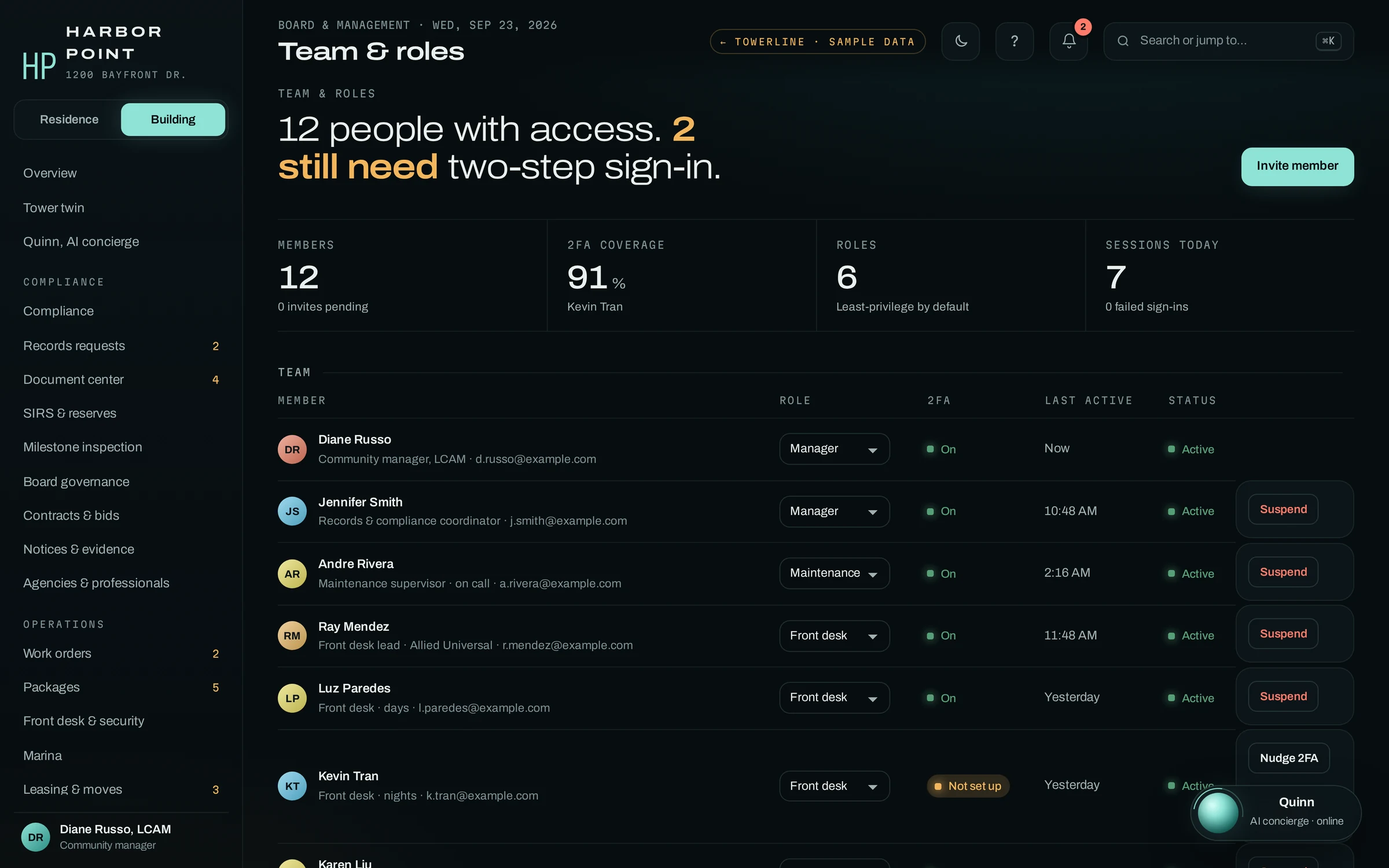
From your call logs to your last community
Each step ends with something your team can check before the next one starts. We do not publish day counts: the schedule depends on your portfolio and is agreed in the written scope.
-
Step 1
Discovery
Before anything is configured, we learn how your properties run today and where the phone line breaks down.
- What happens
- We read your call logs and answering-service reports, walk through your escalation rules and on-call rosters, collect the documents residents ask about and list the systems you run. We also ask about the nights that went badly: the leak nobody was paged for, the contractor held at the desk with no pass on file. Those calls become our test cases.
- What we need from you
- Recent call logs or answering-service invoices, your escalation policy and on-call roster, house rules and amenity policies, your communities and unit counts, the property management or accounting system you run and on which plan, and time with the people who take the calls today.
- What you have at the end
- A written scope: which communities and modules, what the AI concierge handles and what goes to a person, which systems connect and how data would move, which community goes first, and a firm quote.
-
Step 2
Build and configure
We set TowerLine AI up for your first community, from the AI concierge’s greeting to the report your manager reads on Monday morning.
- What happens
- We write the AI concierge’s call flows and scripts from your policies and train it on your rules and documents. We set up a role for each person on your staff, build the notice templates and the reports managers and directors read, put your community’s name on the Resident Portal and scope each connection to the systems you run.
- What we need from you
- Sign-off on scripts and escalation rules, your resident and unit roster, your vendor list with insurance on file, your staff and their roles, and an export or API access from your system where your plan allows it.
- What you have at the end
- A configured community your team can click through and test before residents call: the AI concierge on your scenarios, and the Command Center, Resident Portal and Board Portal set up with your records.
-
Step 3
Pilot one community
One property goes live first, for 60 days on a fixed scope, and your team tells us what to change. How the pilot works.
- What happens
- The AI concierge takes calls at one community. We read the call log with your team and adjust scripts, escalation and answers wherever a call went differently than your staff would have handled it. The data sync with your system is tested on that property’s records before anything else connects.
- What we need from you
- A community to start with, a manager who reviews calls with us, and staff working the requests the AI concierge opens in the Command Center.
- What you have at the end
- One community running the way your team wants it to, a tested sync map and a plan for the communities that follow.
-
Step 4
Rollout
The other communities follow one at a time, each set up on its own terms.
- What happens
- Each community gets its own rules, contacts, escalation path and documents, configured from what the pilot taught us. Staff at each property are trained as it switches on, and we keep tuning the AI concierge’s scripts and the reports as calls come in.
- What we need from you
- Each community’s rules, roster and on-call contacts, and a point person at each property while it switches on.
- What you have at the end
- Your communities on TowerLine AI, with ongoing tuning and support from The AI Agency USA, the company that built your deployment.
What the first deployment covers
The first community starts small on purpose: the phone, the work a call creates, the residents’ side and the manager’s view. The rest of the product is added after launch, scoped with you.
The AI concierge on your number
Your greeting, house rules and on-call roster; emergencies paged, everything else logged or handed to a person.
Work orders
Calls, the Resident Portal and the desk feeding one board your maintenance team works from.
The Resident Portal
Repairs with photos, status and notices, in the browser.
The core manager dashboard
The Command Center overview, work orders and the AI concierge’s call log.
Residents and units come in from your system by export or CSV.
- Board Portal
- Florida compliance suite: records requests, notices, SIRS and milestone tracking
- Front desk, packages and visitors
- Marina, leasing and moves
- Violations and architectural review
- Live connections to your other systems
Each module is scoped with your team once the first community runs the way you want, and added community by community. See the pilot program
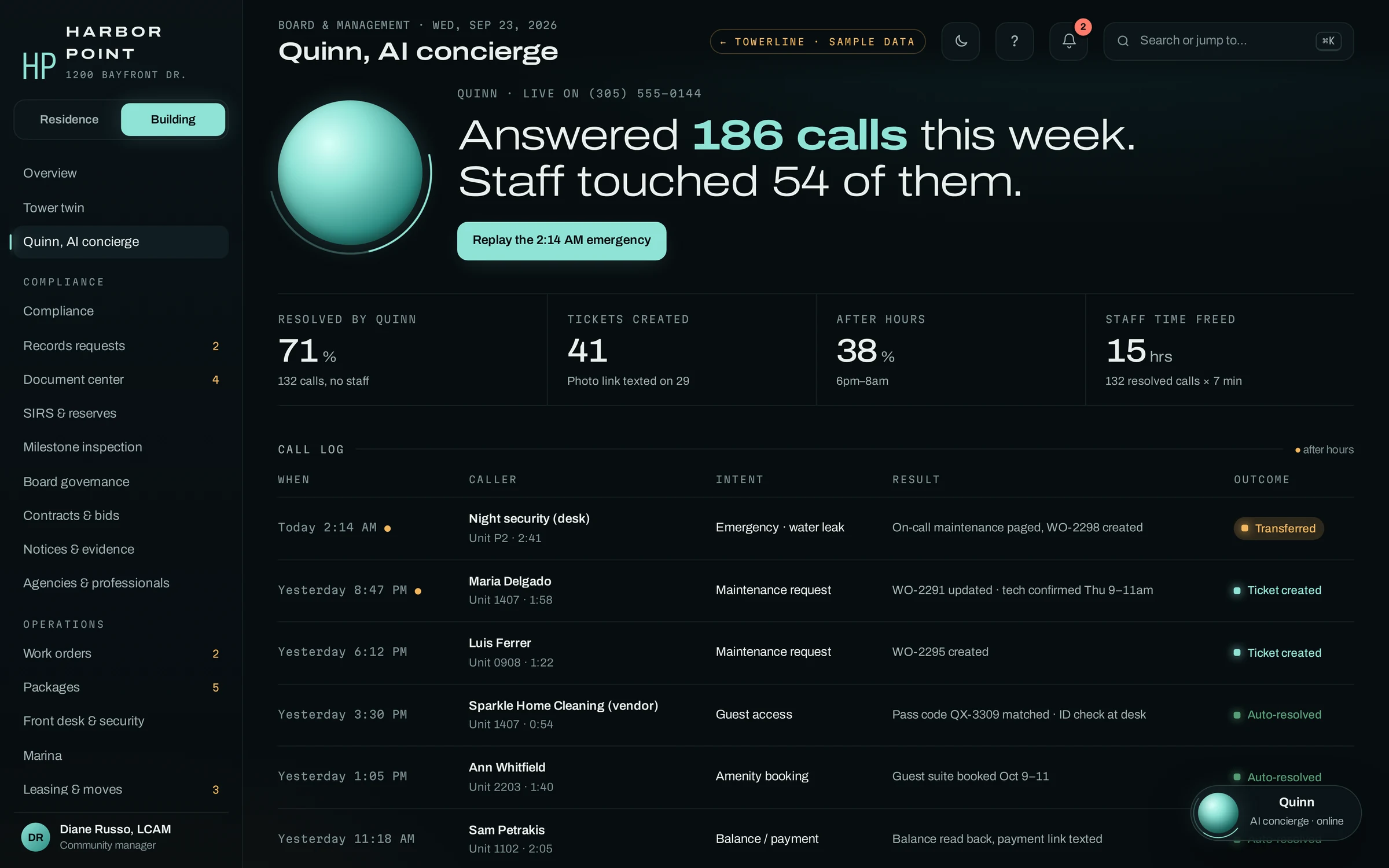
Tuning the AI concierge from the call log
In the pilot, the call log is where the tuning happens. Each call shows who called, what they wanted, what the AI concierge did and how it ended. We read it with your manager, and when a call went differently than your staff would have handled it, we change the script, the escalation rule or the answer behind it.
The same log stays with your team after rollout, so the review never depends on us.
- IntentWhat the caller needed, in plain words
- ResultThe work order, page, pass check or booking the AI concierge made
- OutcomeResolved, ticket created or transferred to a person
How pricing is scoped
We do not publish a price list, because no two deployments are the same build. You get a firm, written quote after the demo and discovery, scoped to your portfolio. Every quote is built from the same three parts.
- ImplementationOne time
- Sized to what we build and connect in steps 1 and 2: call flows and scripts, the AI concierge’s knowledge for each community, roles, notices, reports, branding and each system connection.
- PlatformMonthly, per community
- A monthly fee for each community running on TowerLine AI, so the platform cost follows the size of the portfolio on it.
- The AI concierge’s phone timeBy usage, per minute
- Billed for the minutes the AI concierge spends on calls, so a quiet community costs less to run than a busy one.
What moves the number
Communities and units
How many properties go on TowerLine AI, and how many homes each one has.
Modules
Which parts of the product each community uses, such as the front desk and packages, the marina, Florida records and notices, board governance, or violations and architectural review.
Systems to connect
Which property management, accounting, payment or gate systems we connect, and whether your plan allows an API, a scheduled export or a CSV. How data moves: Integrations.
Call volume
How many calls the AI concierge takes and how long they run, which sets the usage line.
Languages
Which languages your residents speak, so the AI concierge’s scripts, notices and documents are ready in each of them.
What stays yours, and where people stay in charge
TowerLine AI runs inside your operation, on your terms. These hold for every engagement, whatever its size.
Your records
The data you bring and the records TowerLine AI creates for your communities belong to you. A full export, while we work together and when an engagement ends, is set up during implementation in a format we agree with you.
Your system of record
Leases, ledgers and owner accounting stay in the property management or accounting system you run now. What moves between it and TowerLine AI, and how often, is agreed in writing during discovery.
Your rules
Scripts, escalation and the answers the AI concierge gives come from your policies and are signed off by your team before residents hear them.
The AI concierge says what it is
It introduces itself as an AI concierge, says the call is recorded and hands off to a person whenever a caller asks.
Staff make the calls that matter
Your team assigns vendors, decides whether a violation notice goes out and approves documents before owners see them.
Account details stay locked
The AI concierge shares account details only after verifying the caller with a PIN or a texted code, and gives no legal opinions.
Examples stay labeled
Every screen on this site is sample data from an example property. We show you the product; we do not show you invented results.
Frequently asked questions
Is TowerLine AI an off-the-shelf product?
No. The product in the tour is the starting point. Call flows, escalation, documents, roles, notices, reports, branding and the connections to your systems are configured for each customer, community by community, before a resident calls the AI concierge. Your team reviews and signs off on each part before launch.
Why is there no price list?
Because each deployment is a different build. One tower with no system connection is a smaller job than a group of associations spread across two accounting systems with the AI concierge answering in several languages. You get a firm, written quote after the demo and discovery, on the structure described on this page.
Can we start with one building?
Yes. Every rollout starts with one community, and a single building is a complete engagement on its own. If you manage more, the others follow once the first runs the way your team wants, reusing the roles, policy templates and lessons from the first community.
What do you need from us for discovery?
Recent call logs or answering-service reports, your escalation policy and on-call roster, house rules and amenity policies, your list of communities, the system you run for leases and accounting, and a few calls that went badly. Discovery does not need resident account details.
How long does an engagement take?
It depends on the number of communities, the modules each one uses and the systems we connect. We agree a schedule with you in the written scope, and the pilot community sets the pace for the rest. We do not publish day counts, because a schedule that ignores your documents, systems and review time would not hold.
Bring one call that went badly.
In the demo we run it through the AI concierge live, open the product on example data and tell you what discovery would cover for your communities. The quote comes after that.