

Property management solutions by property type: Different properties create different work.
What residents call about, who picks up and which records matter all change with the property. Compare property management work for condominiums, HOAs and apartments, then open the page for yours. Each deployment is built around the property it serves, from its call scripts and on-call roster to its documents and the systems it already runs.
- Condominium“I asked for the board minutes.” Records request on its own 10-working-day clock
- Condominium“Is there a package for me?” Front desk package log, pickup text to the owner
- HOA“My guest is at the gate.” Guest pass the gate staff look up by name
- Apartments“There’s no heat.” 11:40 PM On-call page under your emergency rules
- Apartments“¿Cuándo viene el técnico?” Answered in Spanish with the visit window read back
- Student housing“I’m locked out.” 1:05 AM Staff member on duty, can be set up
Which property types does TowerLine AI support?
A Florida tower’s records clock, an HOA’s gate and an apartment community’s overnight leaks are different work. Each page shows the calls, the people and the TowerLine AI records for that type, and which related property types it covers.
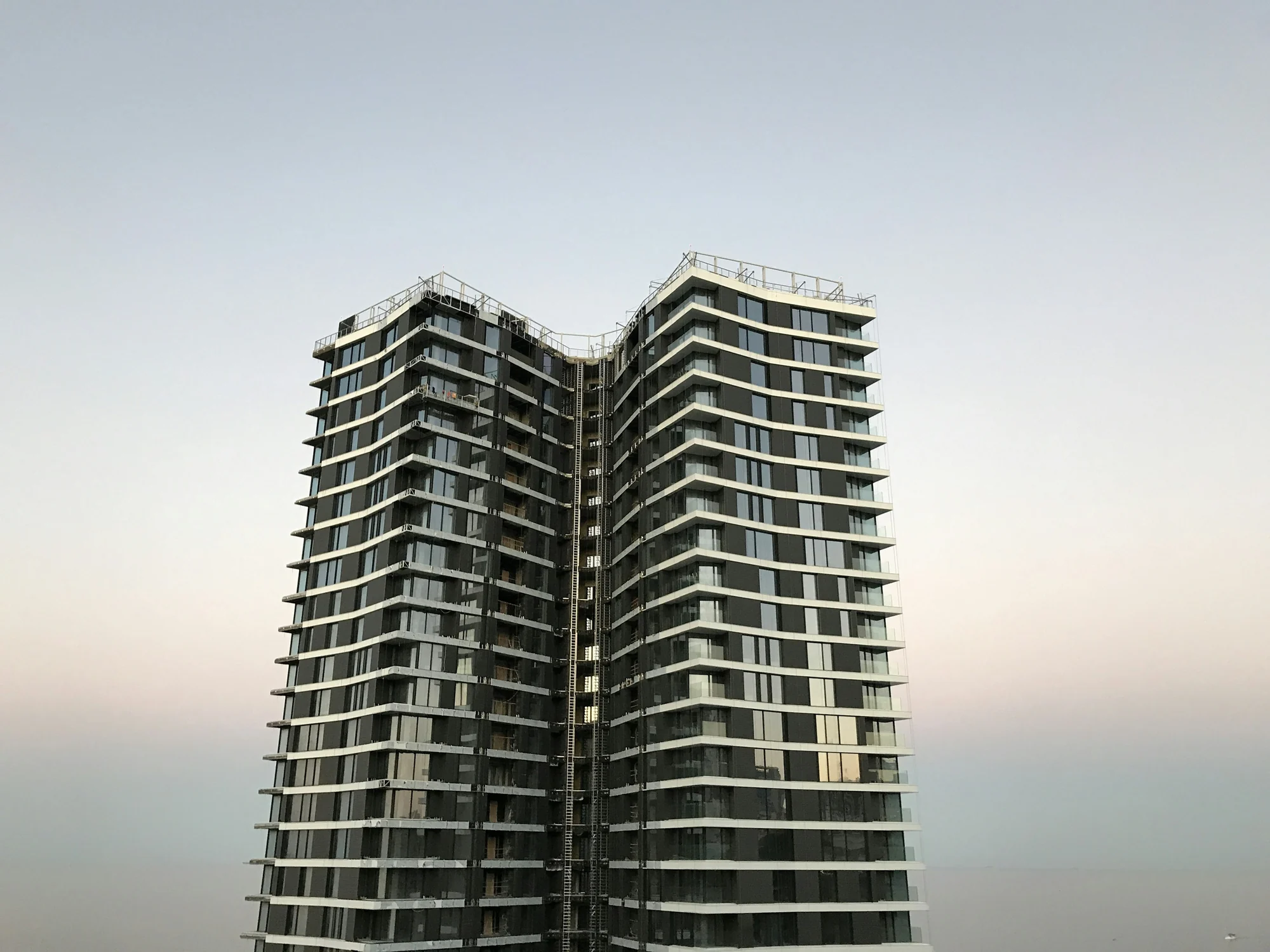
Condominiums & high-rises
Florida records clocks, the front desk and the board
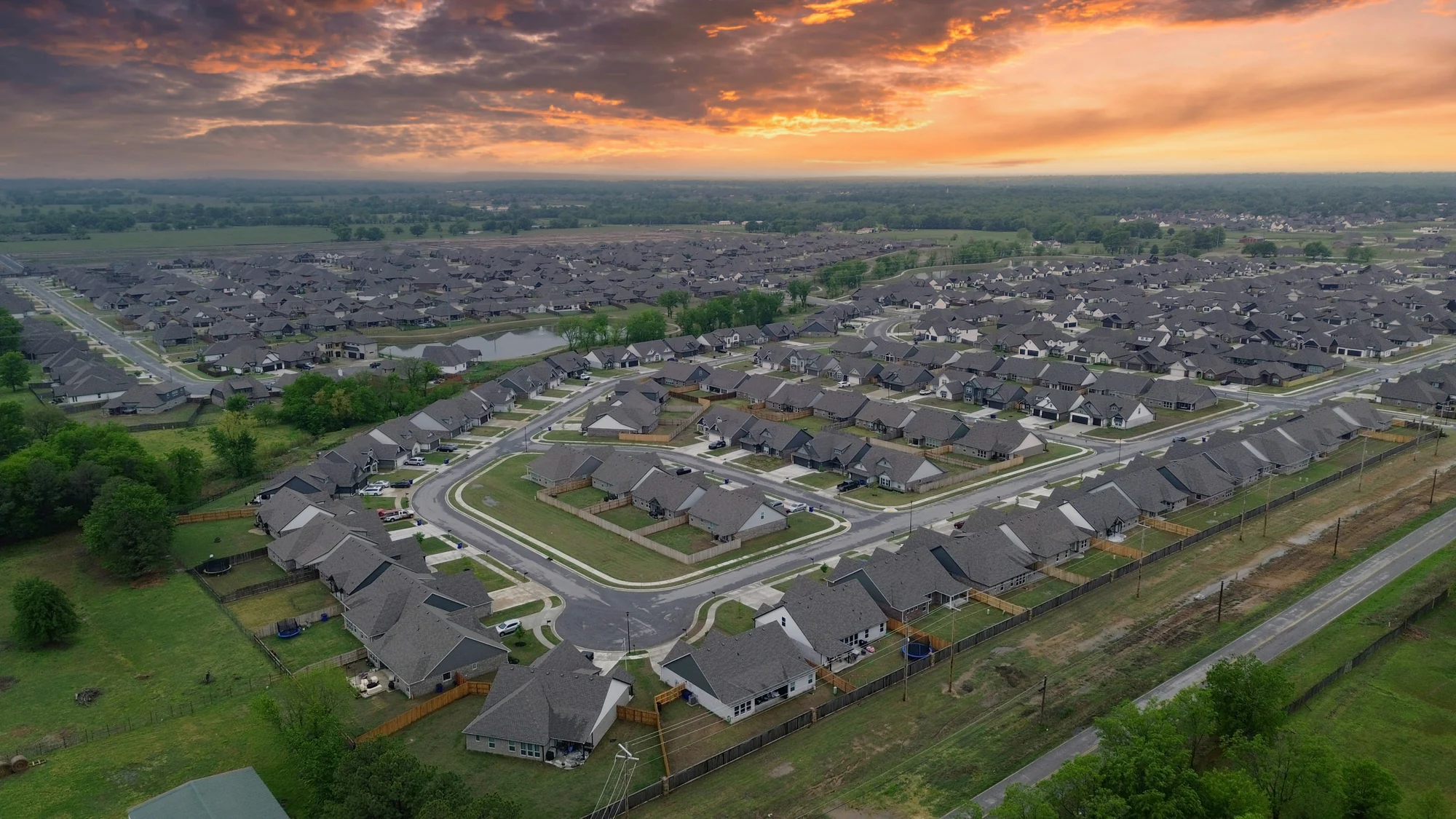
HOA & community management
Each association on its own rules, gated or not

Apartments & rental communities
After-hours triage, student to single-family
Running several of these at once
Each community is configured on its own, down to who gets paged at night. How they are grouped and reported on across your company is scoped with you.

Owning the building, not running it
For private equity, investment firms and family offices: one standard for answering and handling resident requests, and a record of how each property is run.
The calls, workflows and records behind each type
Read across a row to see where the load sits at that property and which parts of TowerLine AI carry it.
| Property type | Calls that create the most work | Operational workflows | Primary users | TowerLine AI modules |
|---|---|---|---|---|
| Condominiums & high-risesFlorida records clocks, the front desk and the board |
4 more calls
|
|
|
PackagesGuest passesVendors and COIsAmenity bookingsProjects and approvalsDocumentsBoard PortalResident Portal |
| HOA & community managementEach association on its own rules, gated or not |
3 more calls
|
|
|
Violations and ARCGuest passesNoticesDocumentsBoard PortalResident Portal |
| Apartments & rental communitiesAfter-hours triage, student to single-family |
3 more calls
|
|
|
Work ordersOn-call pagesVendors and COIsNoticesResident Portal |
This is our read of where the load sits. Your communities may differ, and each one is configured on its own.
Questions about property types
Mixed portfolios, unusual buildings and where to begin.
What if our property type is not in the table?
Most map to one of the three rows. Student housing, build-to-rent and single-family rentals, affordable housing, 55+ communities and privatized military housing use the apartments setup; Apartments covers what differs for each. Gated and master-planned communities use the HOA setup, and a co-op building usually maps to the condominium row. For mixed-use buildings and anything else, tell us what you manage when you book and we scope what TowerLine AI needs to track with you during discovery.
Does the AI concierge handle calls differently for each property type?
The AI concierge works from what you approve for each property: its rules, documents, contacts and escalation policy. In a condo it can check when the freight elevator is free and request it for a contractor's visit, under the building's booking rules. In a student community, lockouts can be set up to go to the staff member on duty.
What does a first deployment include?
The AI concierge on the phone, work orders, the Resident Portal and the core manager dashboard, for one pilot community. Other modules, such as the Florida records tools, violations or leasing and moves, are added after launch and scoped with you. How we work and the pilot program cover the steps.
Do we have to replace our property management or accounting system?
No. TowerLine AI runs alongside it, and your property management or accounting system stays the system of record. TowerLine AI keeps the calls, work orders, pages and notices around it. What moves between the two, in which direction and how often, is set for your account during implementation, by API where your plan allows it, or by scheduled export or CSV.
Where should we start?
With one pilot community and the row in the table that matches it. Pick a community with steady call volume and a manager who will review calls with us. The AI concierge, work orders and the Resident Portal go live there first, and the next community follows once the first runs the way your team wants.
Bring your community list. We’ll start with the one you pick.
The walkthrough is built around the property you choose first: its calls, its people and the records your team keeps for it.